Android
Prefer Google Play or the operator's verified domain. If an operator offers direct installation, match the domain, publisher and certificate details before proceeding.
We found no verified standalone Crash Joker APK from the developer. The safest default is the operator’s authenticated mobile website or official store app.
Open the licensed operator through a typed or bookmarked address, sign in, and launch Crash Joker in the browser. Do not search for cracked or “mod” APK files.
Prefer Google Play or the operator's verified domain. If an operator offers direct installation, match the domain, publisher and certificate details before proceeding.
Use Safari or an App Store listing linked by the verified operator. iOS configuration profiles from unknown sites are a serious warning sign.
The official game material describes device optimisation. Browser access avoids installing a separate package but still requires a trustworthy operator.
| Problem | Check | Avoid |
|---|---|---|
| Blank game frame | Supported browser, content blocker, cookies and connection | Installing random codecs or extensions |
| Game absent | Operator catalogue and region eligibility | VPN or false registration details |
| Cash Out delay | Connection quality and operator status | Increasing stake to compensate |
| Login prompt loops | Correct domain, account status and time settings | Sharing credentials with “support” in DMs |
Android packages can be cryptographically signed, but most users cannot meaningfully audit a certificate without a known-good fingerprint from the publisher. That is why an official store route or secure browser is safer than a file reposted by a download catalogue.
A gambling interface may need network access and notifications if you opt in. It should not normally need contacts, call logs, microphone, accessibility control or permission to install other apps. Camera access may be requested during document verification, but use it only within the operator's secure verified flow.
Avoid logging in over unknown public Wi‑Fi. Mobile networks or a trusted home connection reduce interception risk, although HTTPS is still required. Disable notification previews if account balances could appear on a locked screen. Never save a password in a shared browser.
When a game freezes, do not repeatedly tap Bet or Cash Out. Capture the time, round ID and screen, then review the transaction history. A local animation can lag behind the server record.
Some operators offer “Add to Home Screen.” This creates a shortcut or progressive web app shell; it is not proof of a native Crash Joker APK. Check the address bar before signing in after any update. A shortcut pointing to an unfamiliar domain should be removed.
Legitimate updates arrive through the store or the operator's documented channel. A chat message that demands a new APK, disables Play Protect or requests a wallet transfer is not a normal update. Delete the file, change exposed credentials from a clean device and contact official support.
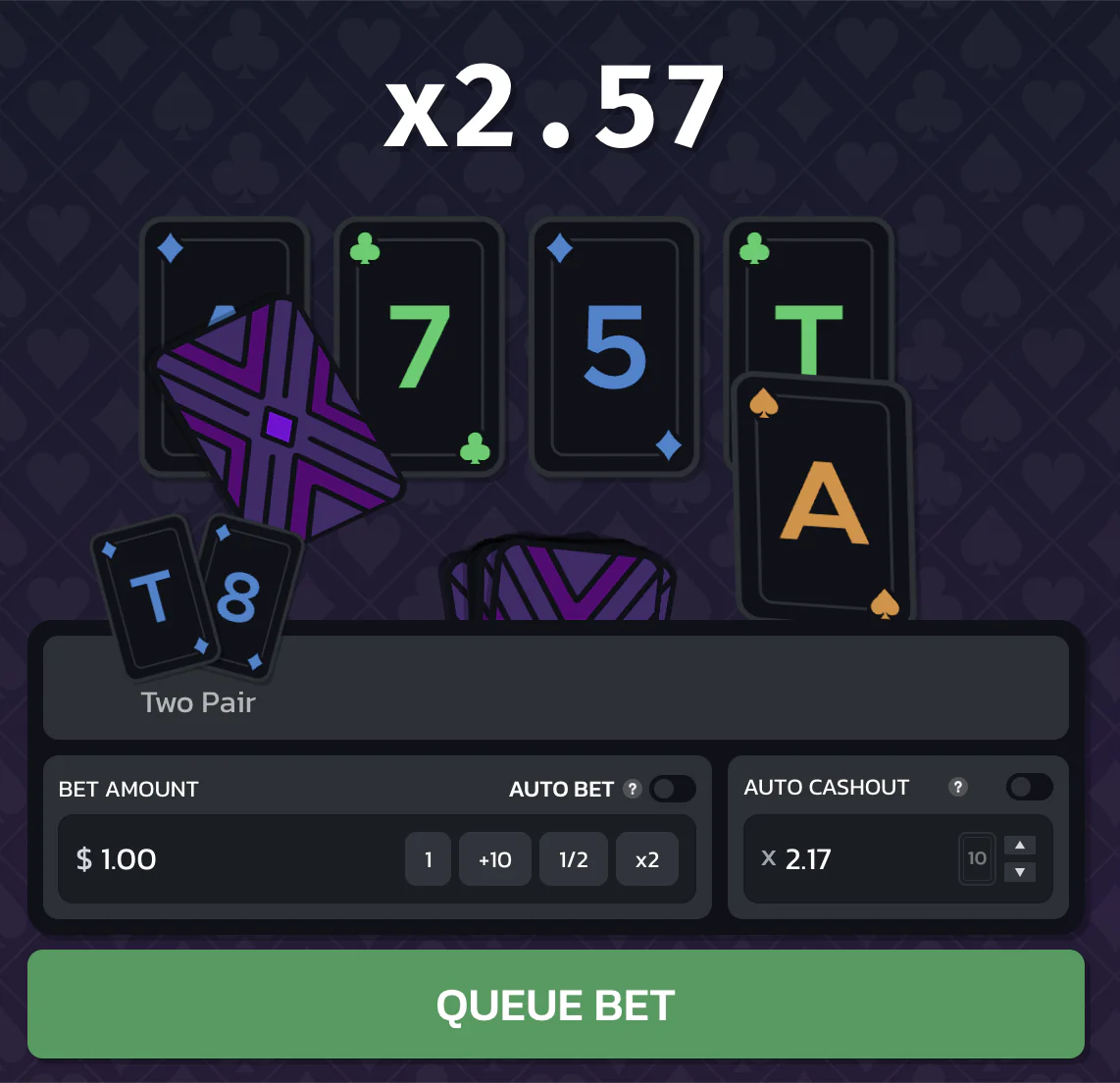
The game video and card animation can use bandwidth and battery. Close background downloads, keep enough free storage and use a stable connection. Reduced-motion or battery-saving settings may change animation smoothness but should not change the server result. If the interface becomes unreadable at larger text sizes, report it as an accessibility issue rather than shrinking system text permanently.
Disconnect the device from networks, uninstall the package, review device-administrator and accessibility permissions, and run the operating system's security scan. Change operator, email and payment passwords from a different clean device. Contact the bank or payment provider if credentials or card details may have been entered.
Check for newly installed profiles, unknown VPNs, notification readers and apps allowed to appear over other apps. A factory reset may be appropriate when privileged access was granted; back up only trusted personal files. Report the malicious download URL to the browser or hosting provider.
Crash-Joker.com provides compressed screenshots and explanatory video used on these pages. It does not distribute an executable Android package, iOS profile, casino client or game modification. Any file using our domain name to claim otherwise should be treated as unauthorised.
Review notification content, ad tracking, background data and saved login state. Casino notifications can create unwanted prompts to return, so disable promotional alerts and use operator cooling-off tools when needed. Remove the app or shortcut when you stop using the account.
On a shared phone, browser history and password sync can expose account details. Use a private device with a screen lock, log out fully, and never allow another person to transact through your verified identity.
Number of verification checks required by access route. More checks mean more uncertainty to resolve.
Measured in checks; zero means “not provided or not applicable,” not zero risk.
No standalone developer APK was verified in the sources reviewed.
The official site describes multi-device support; operator browser availability can vary.
No. Unverified packages can steal credentials or replace payment details.
Be cautious of requests for contacts, SMS, accessibility control or device administration.
Check operator availability, browser support, connection, account status and regional rules.